Here comes the latest camunda BPM alpha release with the following highlights:
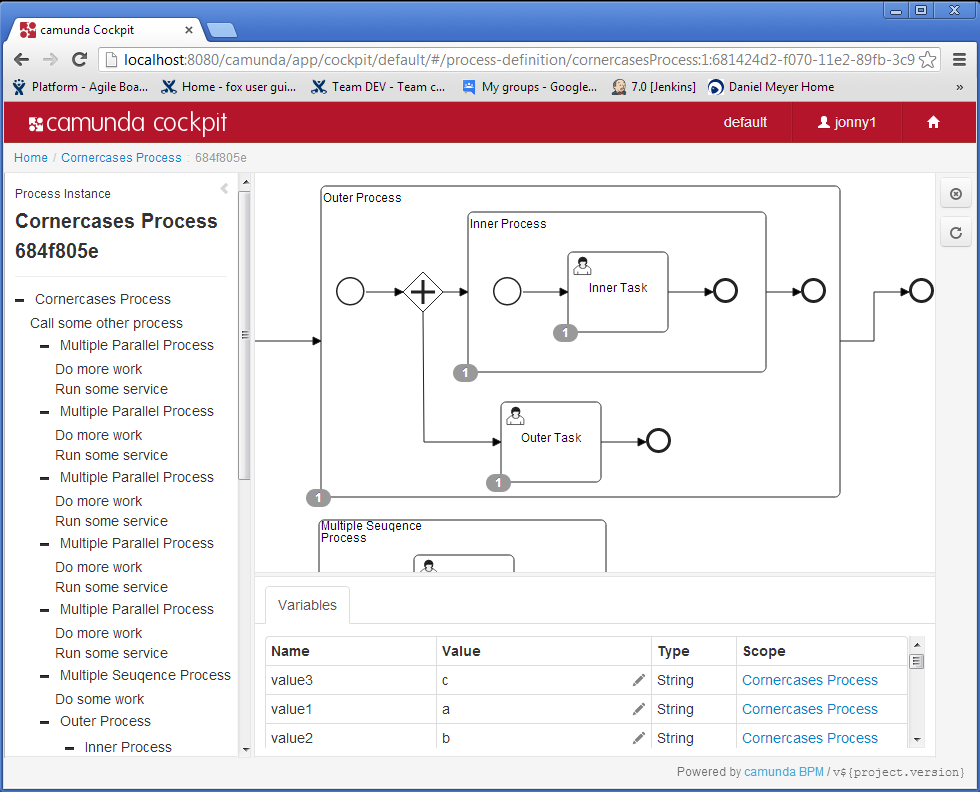
New features in cockpit webapplication:
- Greatly improved layout
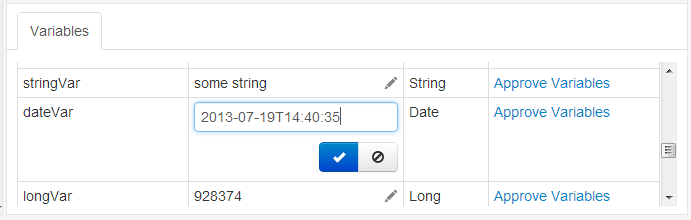
- Editing process variables
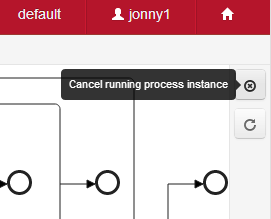
- Cancelling a process instance
- Increment retries for failed jobs
- Login based on Process Engine Identity Service
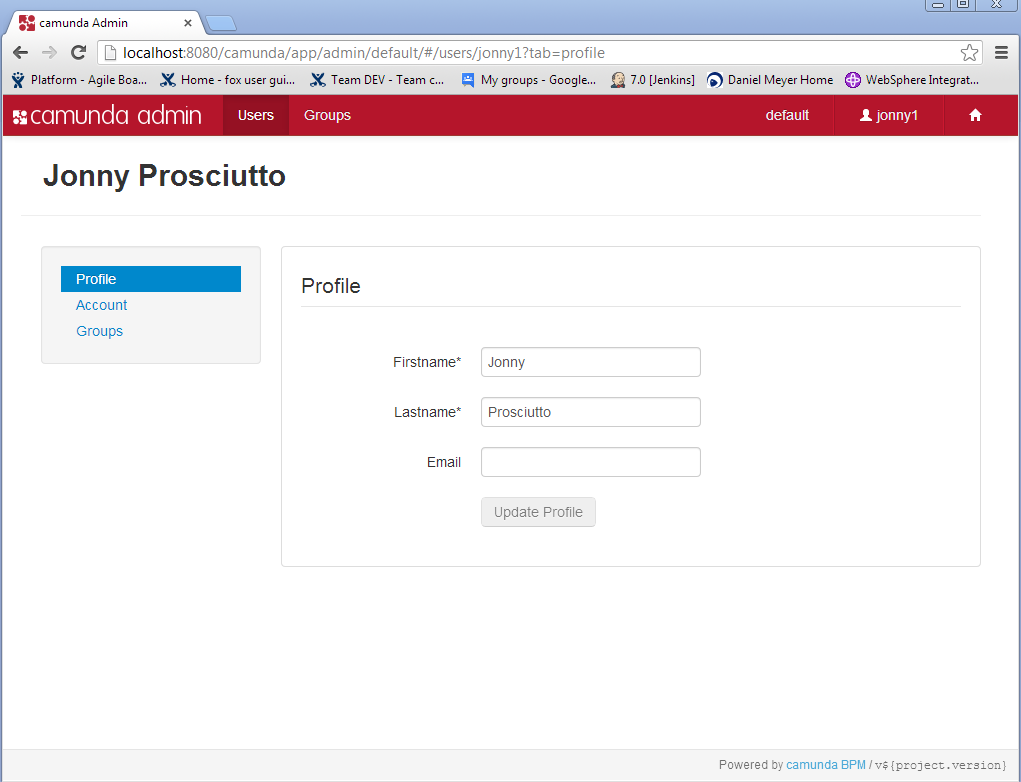
We added a new application called camunda Admin which provides support for
- Managing users & groups based on the process engine engine identity service
- Creating an initial user for a process engine
The REST API was enhanced
- Improved variable handling
- Added Jobs resource (contribution by Clint Manning, 1&1)
- Added User and Group Resources
The Process Engine got smarter
- Started work on authorization service
Braking change: the URL for cockpit is now https://localhost:8080/camunda/. All in all, 33 issues were closed, including 8 bug fixes. Read the full release notes in JIRA. camunda BPM 7.0.0-alpha8 can be downloaded here.
Additions to the Webapps
Nico Rehwaldt & Roman Smirnov have given cockpit a complete layout overhaul and added a lot of features: New Cockpit layout:
Editing process variables:
Cancelling Process Instances:
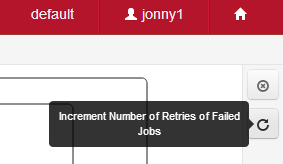
Increment Job retries
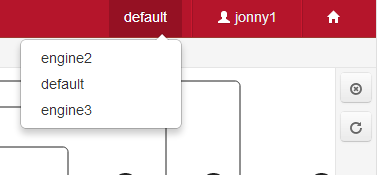
Selecting a process engine
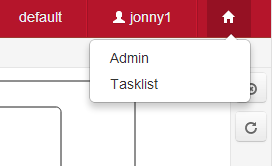
Switching to a different application
The camunda Admin application allows managing Users and Groups
Started Work on Authorizations:
We started work on a resource-based authorization system in the process engine:
The authorization service allows managing <a href="https://docs.camunda.org/latest/guides/user-guide/#process-engine-authorization-service">Authorizations</a>.
Authorizations manage permissions of a given user/group to interact with a given
resource.
Creating an authorization
An authorization is created between a user/group and a resource. It describes
the user/group’s permissions to access that resource. An authorization
may express different permissions, such as the permission to READ, WRITE, DELTE
the resource.
Granting / revoking permissions
In order to grant the permission to access a certain resource, an
authorization object is created:
Authorization auth = authorizationService.createNewAuthorization();
 //... configure auth
 authorizationService.saveAuthorization(auth);
The authorization object can be configured either for a user or a group:
auth.setUserId("john");
   -OR-
 auth.setGroupId("management");
and a resource:
auth.setResource(Resources.USER);
 auth.setResourceId("mary");
finally the permissions to access that resource can be assigned:
auth.addPermission(Permissions.READ);and the authorization object is saved:
authorizationService.saveAuthorization(auth);As a result, the given user or group will have permission to READ the
referenced process definition. Checking a permission
Permissions can be checked using a query:
authorizationQuery.userId("john")
   .resourceType("processDefinition")
   .resourceId("2313")
   .hasPermission(Permissions.READ)
   .hasPermission(Permissions.WRITE)
   .hasPermission(Permissions.DELETE)
.list();Selects all Authorization objects which provide READ,WRITE,DELETE
Permissions for the user “john”. In the 7.0 final release, authorizations will work on the Resources USER, GROUP, APPLICATION, AUTHORIZATION. In 7.1 we will extend authorization support to process definitions. (All plans are subject to change 🙂 )What’s coming up next?
– LDAP support: identity service provider already there – Authorizations – Merge new history branch – Many awesome features in cockpit 🙂